Bring your WordPress admin to be AI powered
WordPress 7.0 is not just an update; it represents a watershed moment for both users and developers. AIpress bring you a new style for admin panel.
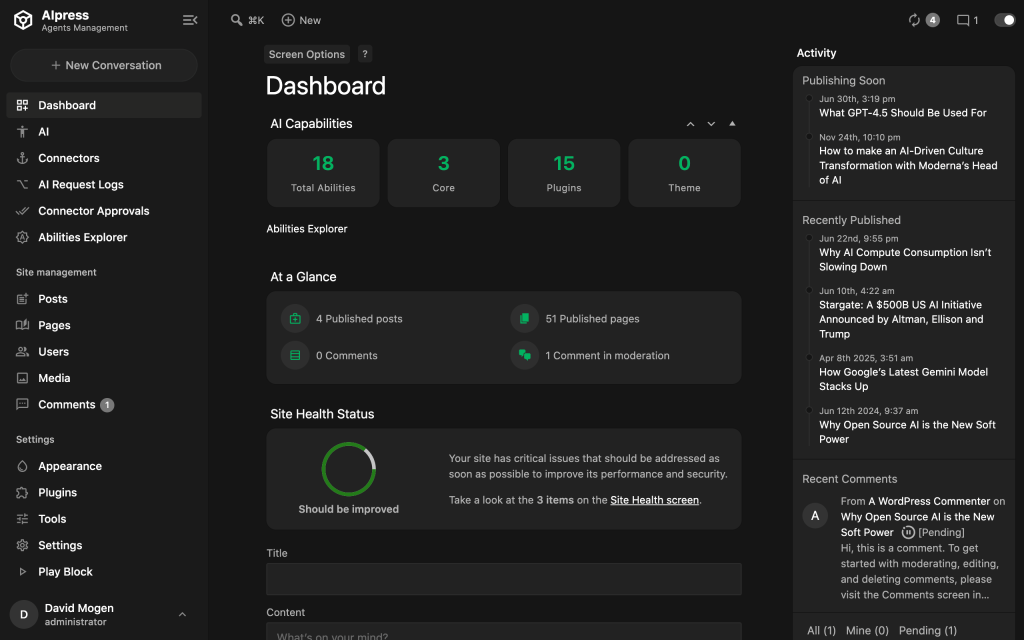
Change the admin panel with custom colors and manage the menu/bar
Whether you’re building a personal workspace or a client‑friendly control panel, this plugin gives you full creative control without writing a single line of code.
Colors
Easily adjust the color scheme of every major area. switch between preset palettes or start from scratch.
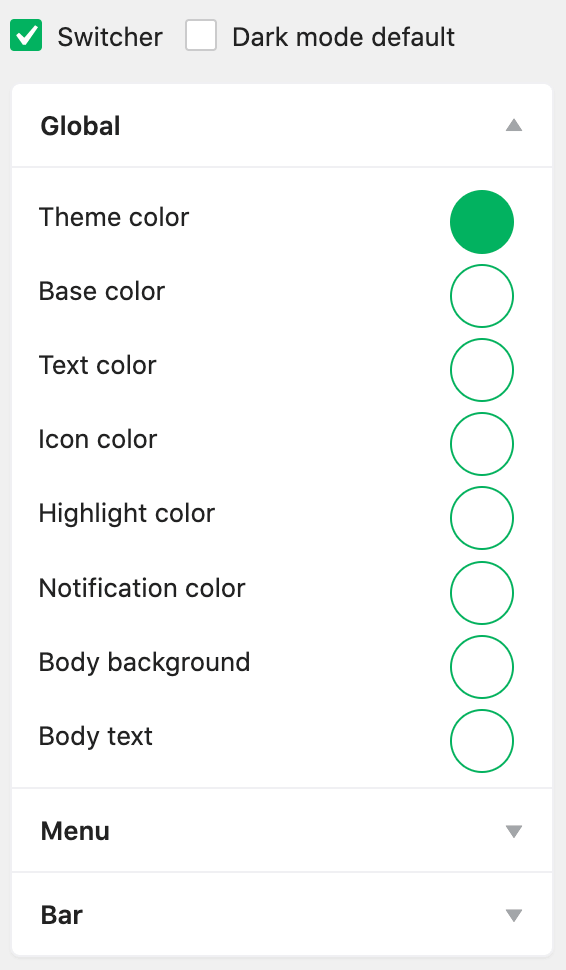
- Change admin color scheme
- Global colors
- Menu colors
- Top bar colors
Login page
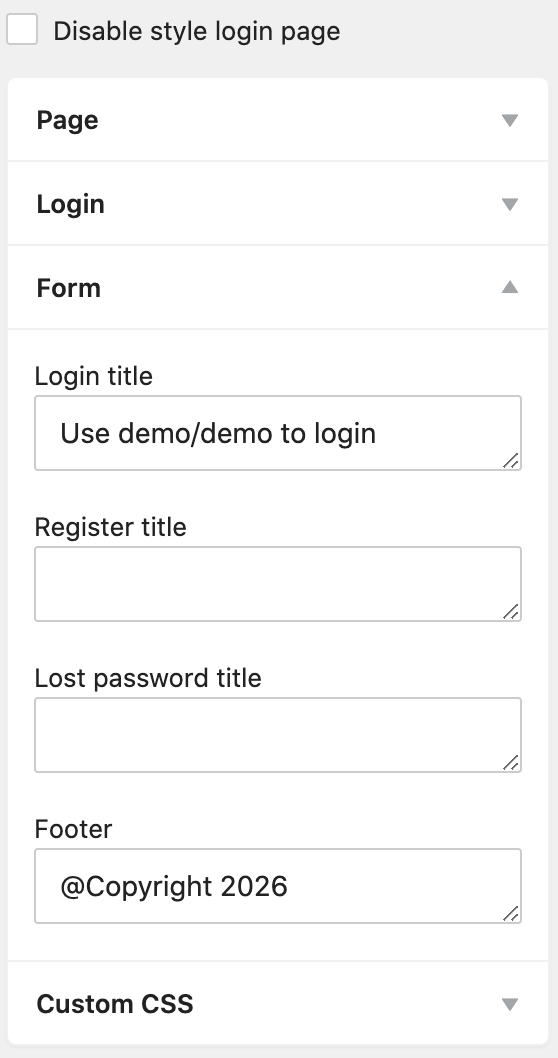
Brand the login screen to reinforce your identity. Change color and text on login page, title of the form.
- Custom login logo
- Login/register form title
- Page background and color
- Footer text
Menu Management
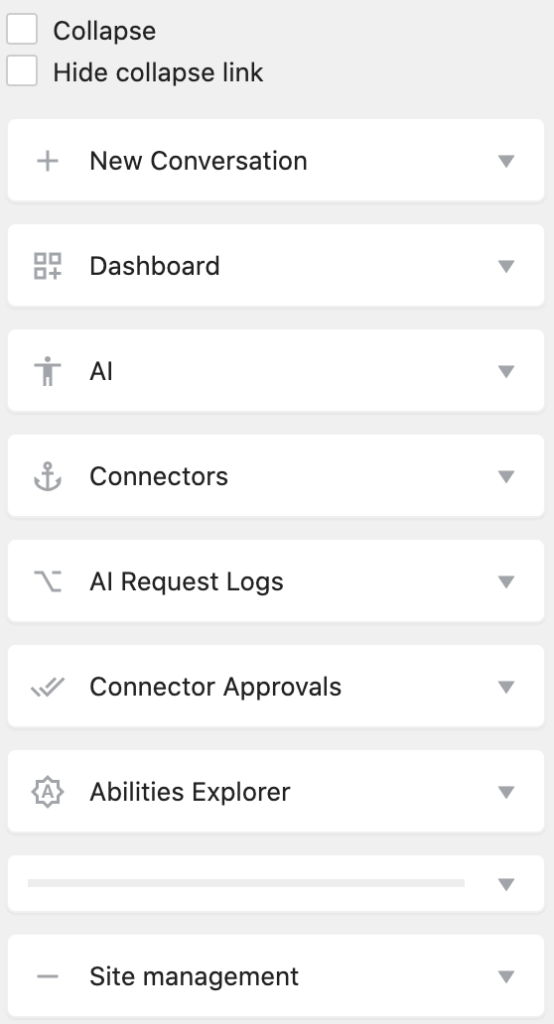
Change menu with custom icons, and sort menu order, add custom menu and submenus.
- Menu/Submenu rename
- Hide menus/submenus
- Add Menu/submenus
- Add Separator
- Custom menu icons
- Drag‑and‑drop sorting
Admin Bar
Use your own brand logo, App name and subname, hide some quick links.
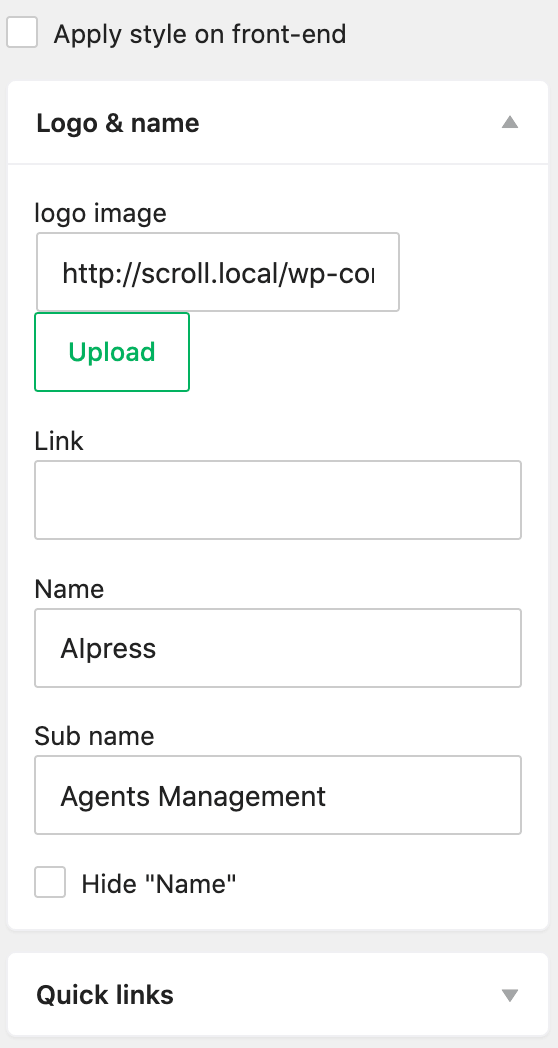
- Custom logo
- Custom app name
- Custom app subname
- Hide quick links
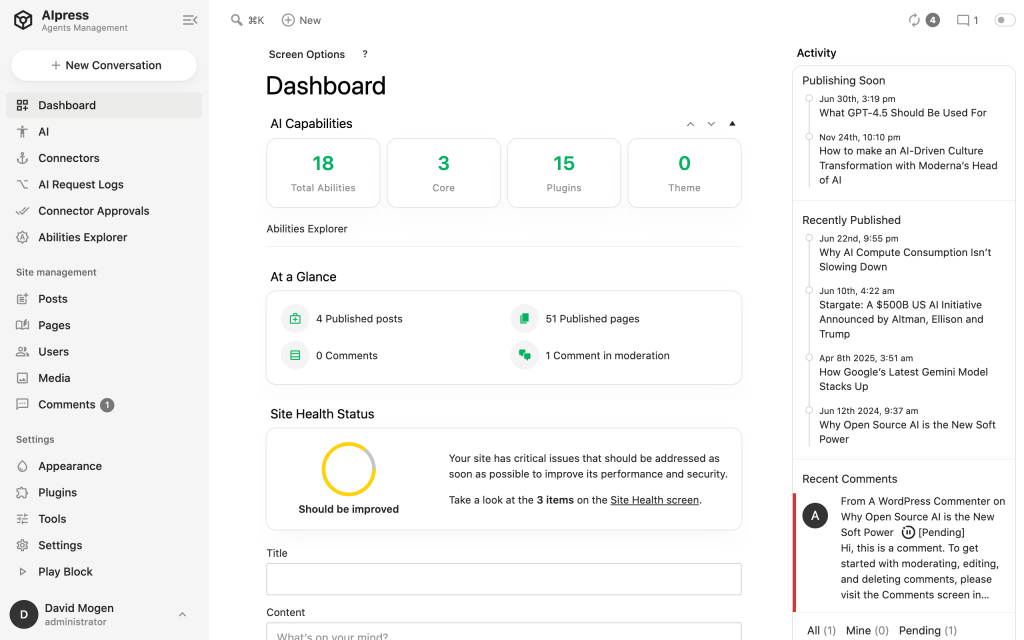
Black/Light theme
You can fine‑tune every shade – from background and text to menus and bars – making it easy to create a dark mode, light mode, or fully branded admin interface.
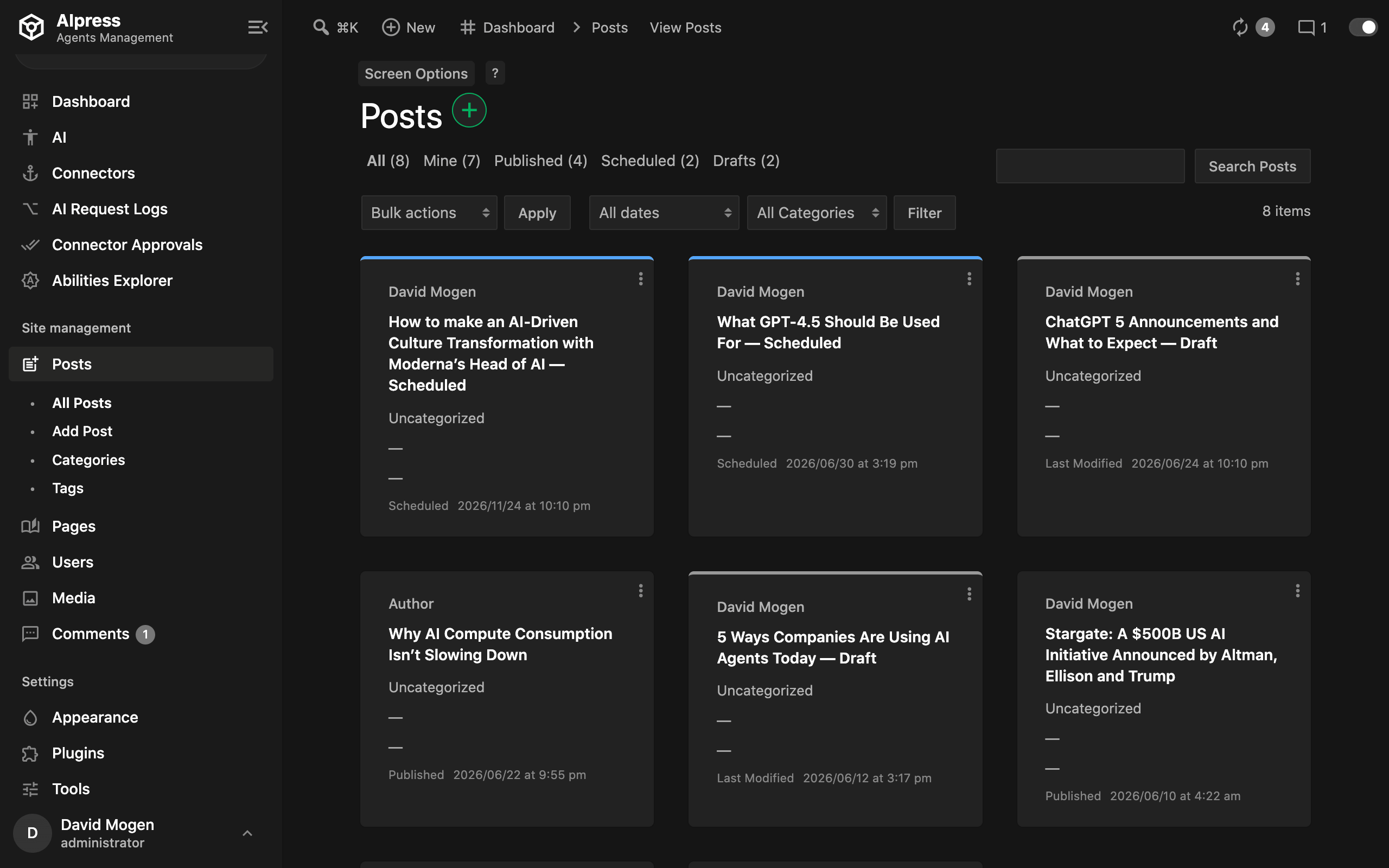
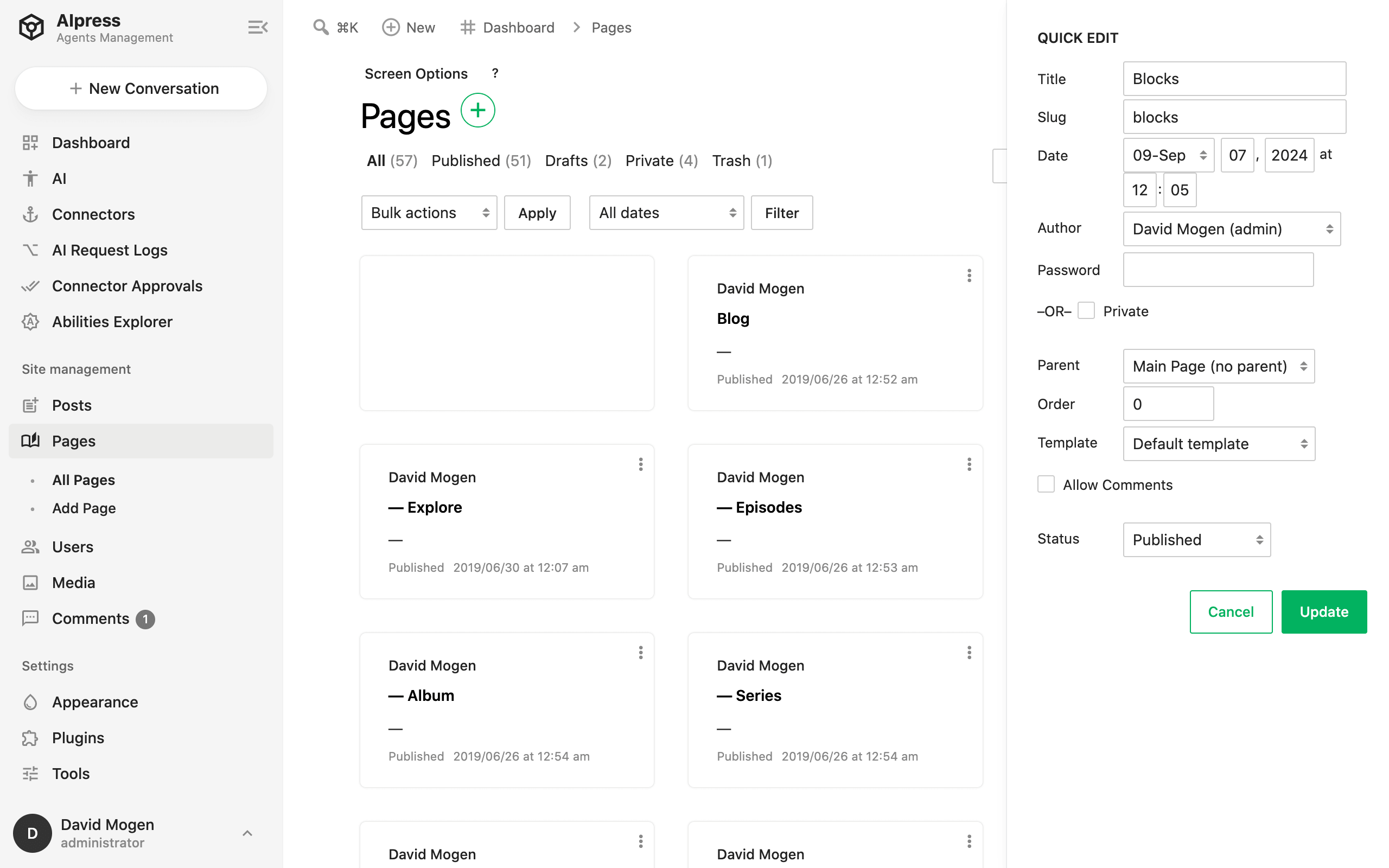
Not just theme, We also polished the data list way
From posts/pages to users page, this plugin create a new way to display the data items.
Frequently Asked Questions (FAQ)
No. All customisations are limited to the WordPress admin dashboard and login page. Visitors to your site will not see any changes.
Yes. The plugin is designed to be compatible with thousands of plugins out of the box. If you notice any display issues, you can use the automatic dark‑mode fallback or add custom CSS directly from the settings panel.
Absolutely. The colour pickers let you define every shade – background, text, borders, hover effects, and more – so you can build a completely unique theme.
Yes. Use the Export function to download a JSON file of all your settings, then Import it on another WordPress installation.
Yes. In a WordPress Multisite network, you can configure each sub‑site independently, or use the Disable on sub‑sites option to enforce a global theme.
No. Everything is managed through a visual, user‑friendly interface. No coding required.